Version 1.0.3
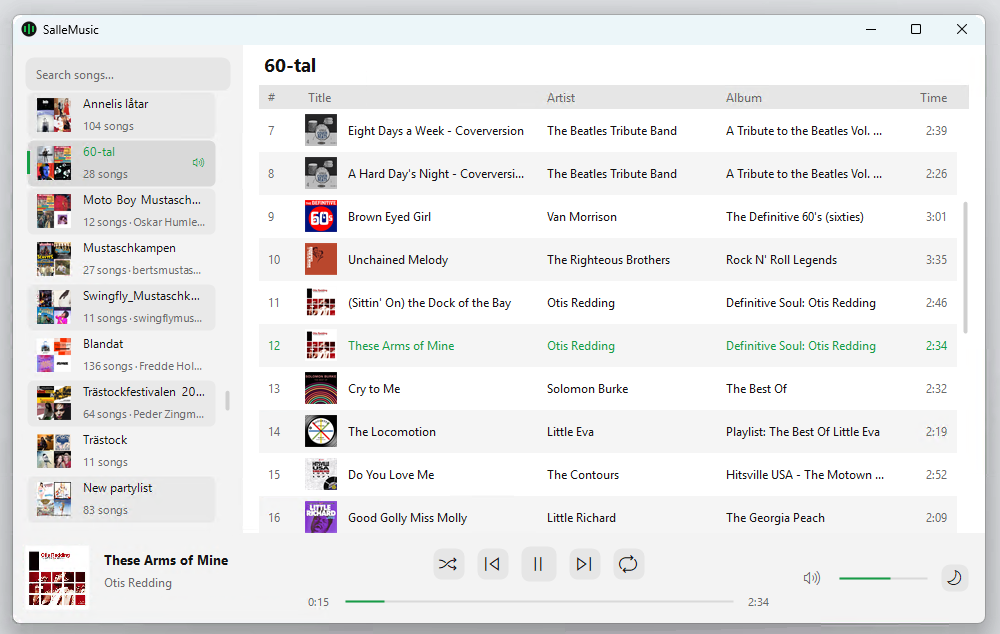
A small Windows remote control for the Spotify desktop app: playlists, search, artist pages and a compact layout for narrow windows. It plays no audio itself - it drives Spotify through the Web API. Portable: no installer, nothing written to the registry, and it updates itself in place.
 Download for Windows (portable .zip)
SalleMusic.exe.http://127.0.0.1:5543/callback, tick Web API and save.Unsigned, so Windows SmartScreen may warn on first run - click "More info" -> "Run anyway". Updates are downloaded in the background and take effect the next time you start it.